 Vutalk
Download
Stay connected
anywhere.
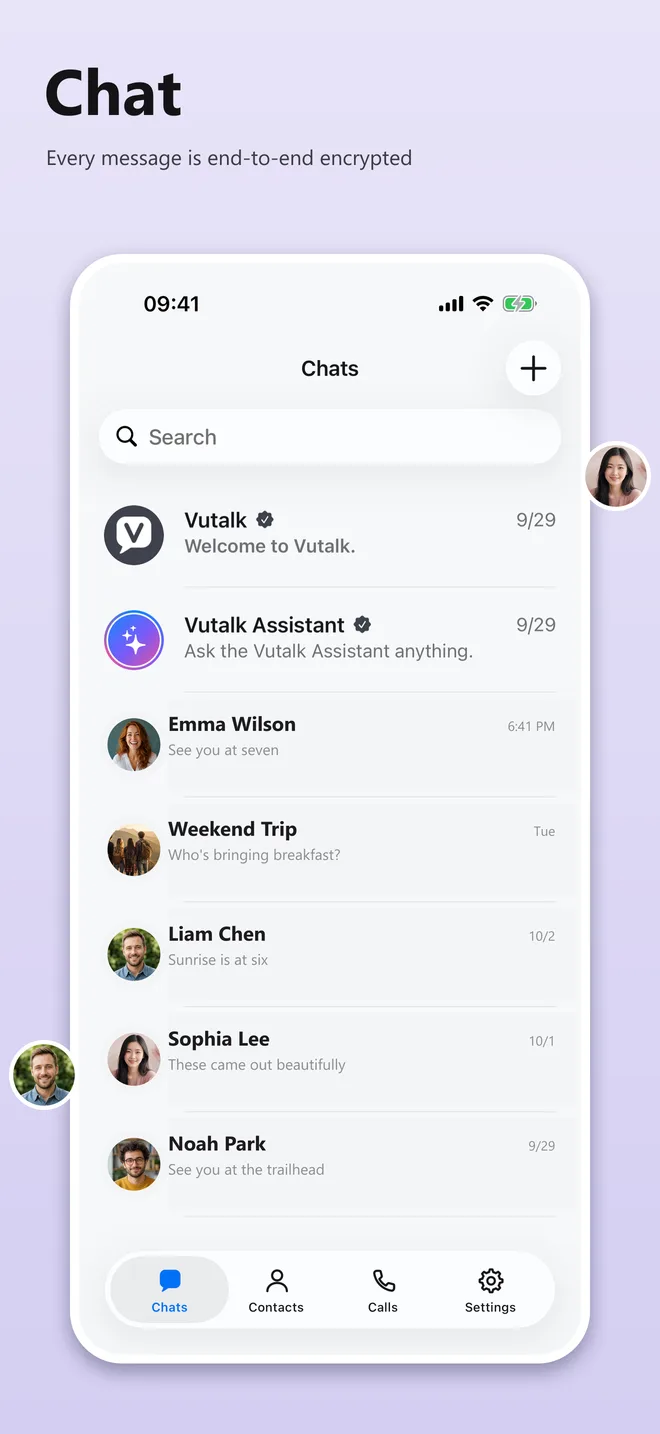
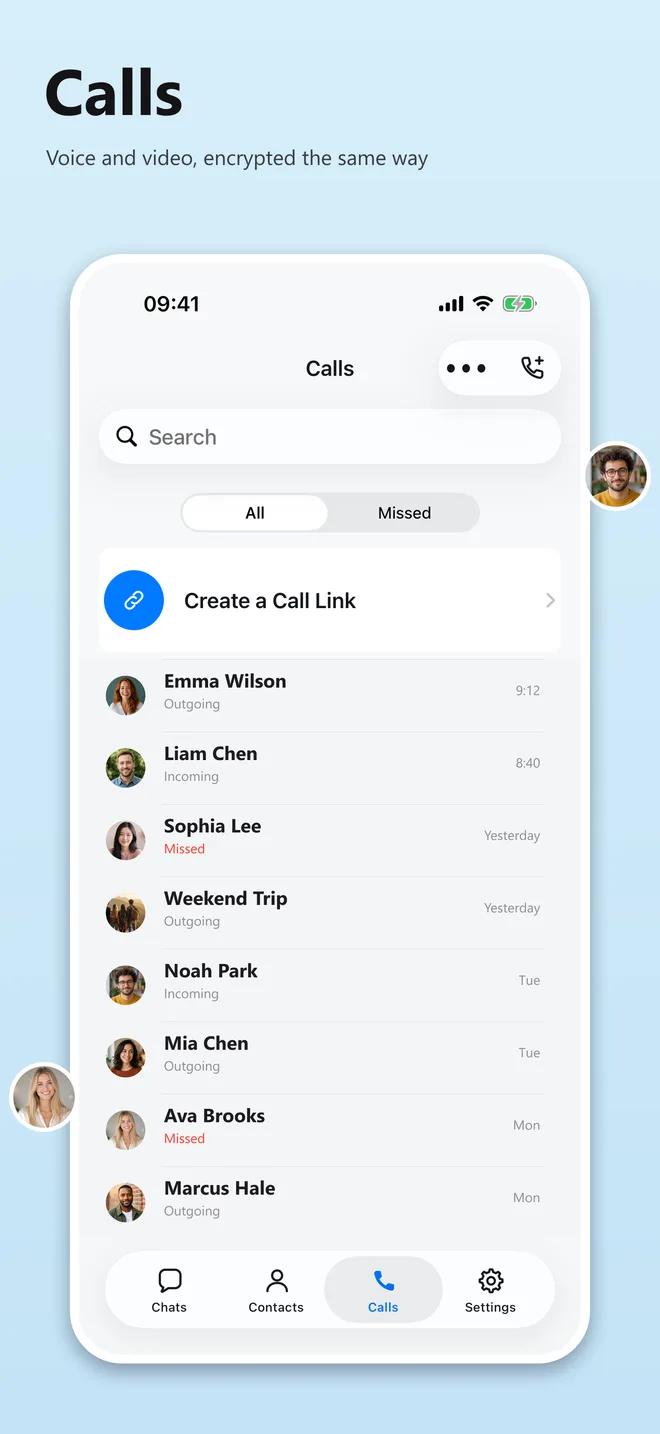
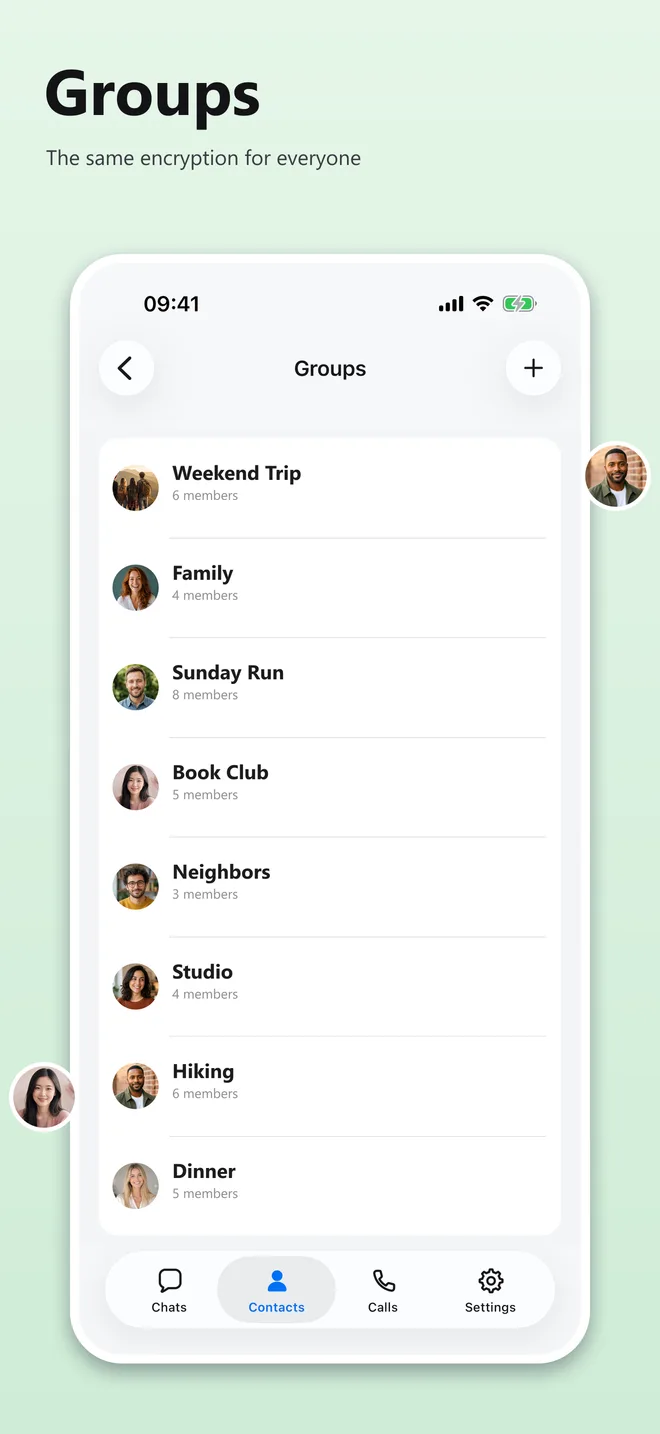
One account, one username, every device you own. Messages and calls stay end-to-end encrypted on all of them.
Free · No ads · iOS 18 or later
Mobile
Installed an earlier test build? It was signed with a different key and cannot update in place: back up your chats in the app first, then uninstall it and install this APK. From here on the app updates itself. The Google Play release, when it arrives, is a separate install as well.
SHA-256 7d8c383d58721bcc7b1d31199e3d5129adfff233886c78bc91a7b7973b8924ff
Windows
Windows 10 or 11, 64-bit. Not yet code-signed: SmartScreen will show a warning — choose More info, then Run anyway.
SHA-256 5466a3f83f367dd6ee13296e4ccd52fec647de84312f280a332f20ad9d848e9f
macOS
macOS 13 or later. Universal build, signed with a Developer ID and notarized by Apple. Open the image and drag Vutalk to Applications.
SHA-256 cebd70e8de5c784574ef7d14c2743bbe437249b1c4724c2f20cf2951337b2037
Windows 1.1.162 and macOS 1.1.162 link to the Vutalk on your phone and mirror its conversations; they do not hold an account of their own. On Android: Settings → Linked devices → scan the code the desktop app shows. On iPhone: Settings → Linked Devices → Link New Device → scan the code the desktop app shows.
What you need to sign up
Nothing. No phone number, no email address, no SMS — the app creates the account and hands you an Account ID and a recovery key. Keep the key: it is the only way back in.
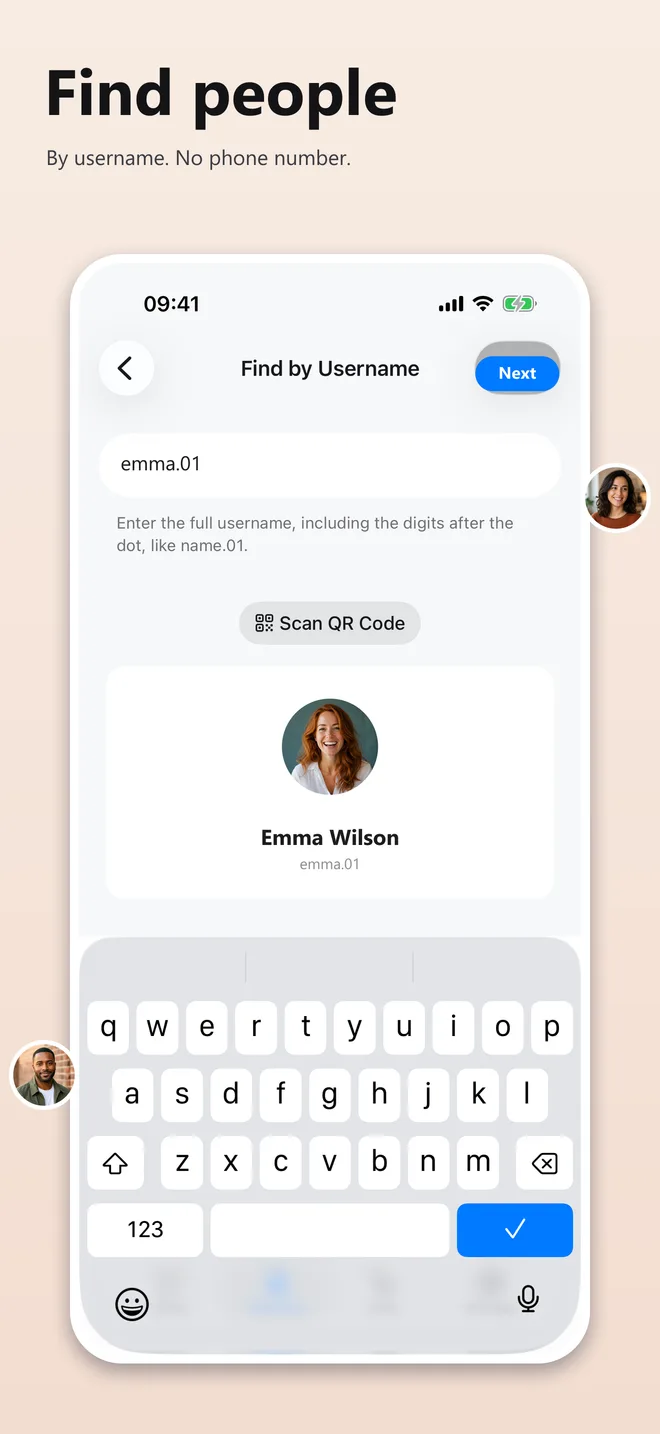
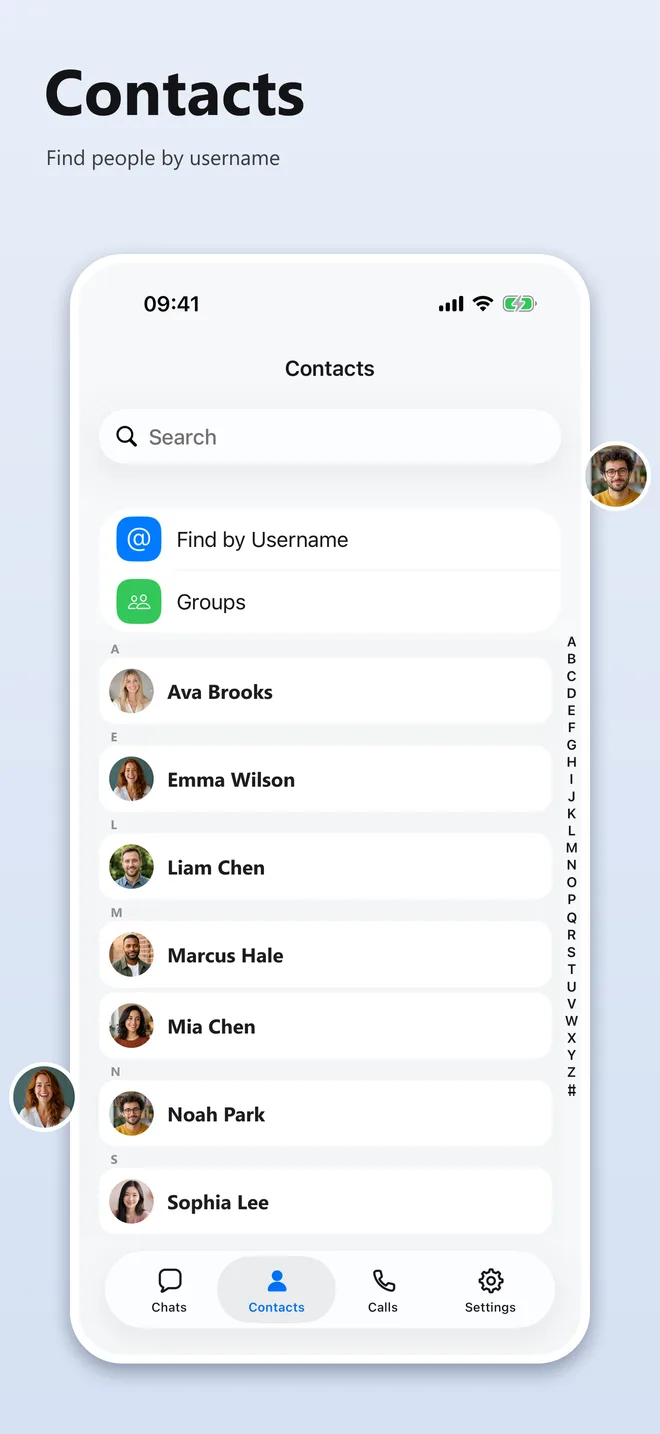
Set a username afterwards if you want people to be able to reach you. Without one you can still start conversations yourself; nobody can start one with you.
Sign-up
Never asked for: phone number, email address, contacts, real name.